
Word to PowerPoint in One Click, Written From Your Text
Word to PowerPoint in one click: The AI Presentation Maker reads your .docx and writes an editable deck from your own text. Choose the file. Check the outline. Click Build the deck.
3 free decks with your email. No card.
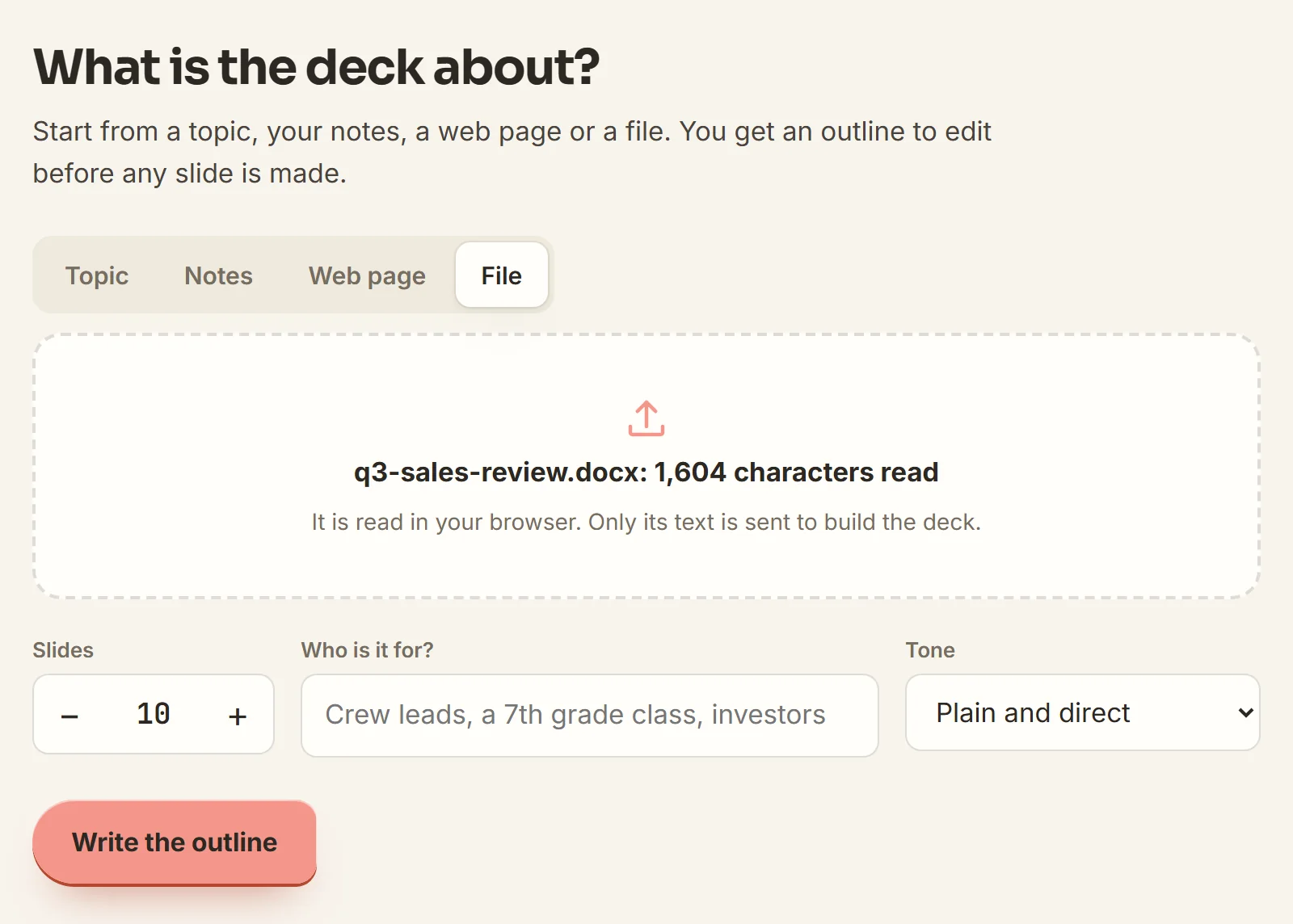
Turn your Word document into a PowerPoint presentation
A written document runs paragraph after paragraph. A slide shows one point. The maker reads every paragraph and writes one point per slide from your own words. It works on reports, lesson plans, proposal drafts, meeting minutes and essays.
- Speaker notes written for each slide
- Your logo on the title and closing slides
- Your deck kept in this browser's deck list
A Word to PPT converter that cuts your text down to slides
Export needs Word for the web and OneDrive
Starts from the .docx on your computer
Drop the file into the maker. It needs no cloud folder and no Word account.
Pasted text fills each slide edge to edge
One point per slide
The maker cuts your paragraphs down to slide titles and a few short lines.
One slide per heading, whatever it says
An outline from the whole text
The maker reads every paragraph and lists one line per slide. You approve the list before any slide exists.
Converters save each page as an image
Editable text and native charts
Every word sits in a text box in the .pptx. A native chart needs three or more figures from your text.
Gaps filled with numbers nobody wrote
[add figure] marks a missing number
Every figure on a slide comes from your document. A slide that needs one you never wrote shows [add figure].
How to convert a Word document to PowerPoint
-
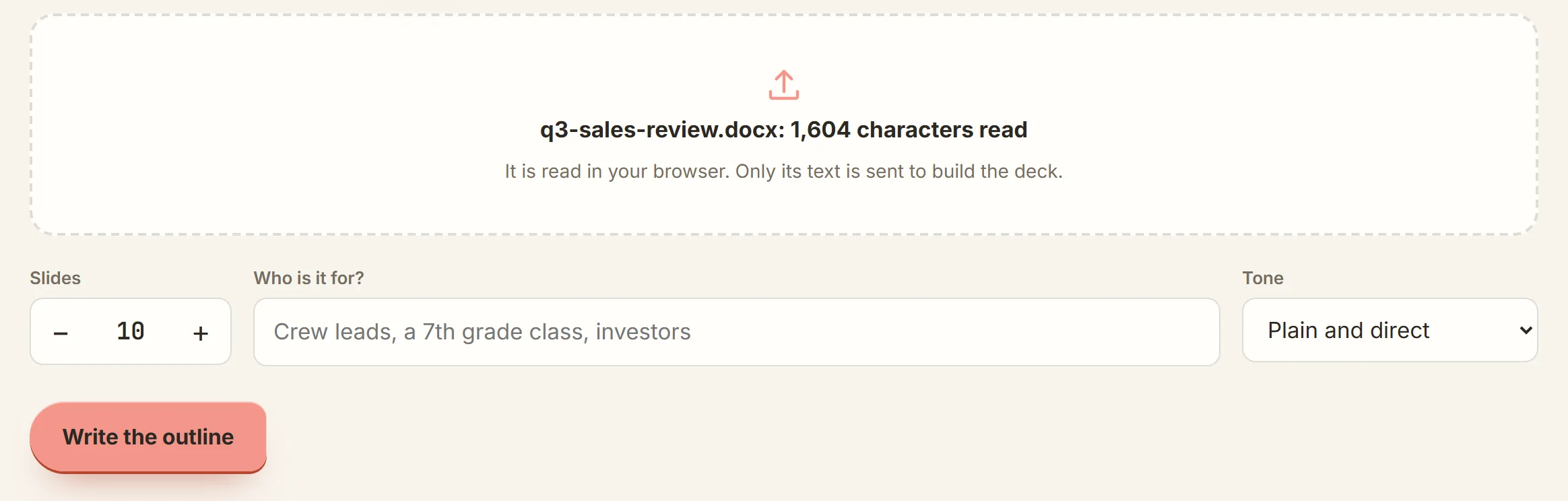
Choose your .docx
On the File tab, pick the document. Set the slide count, then click Write the outline.
-
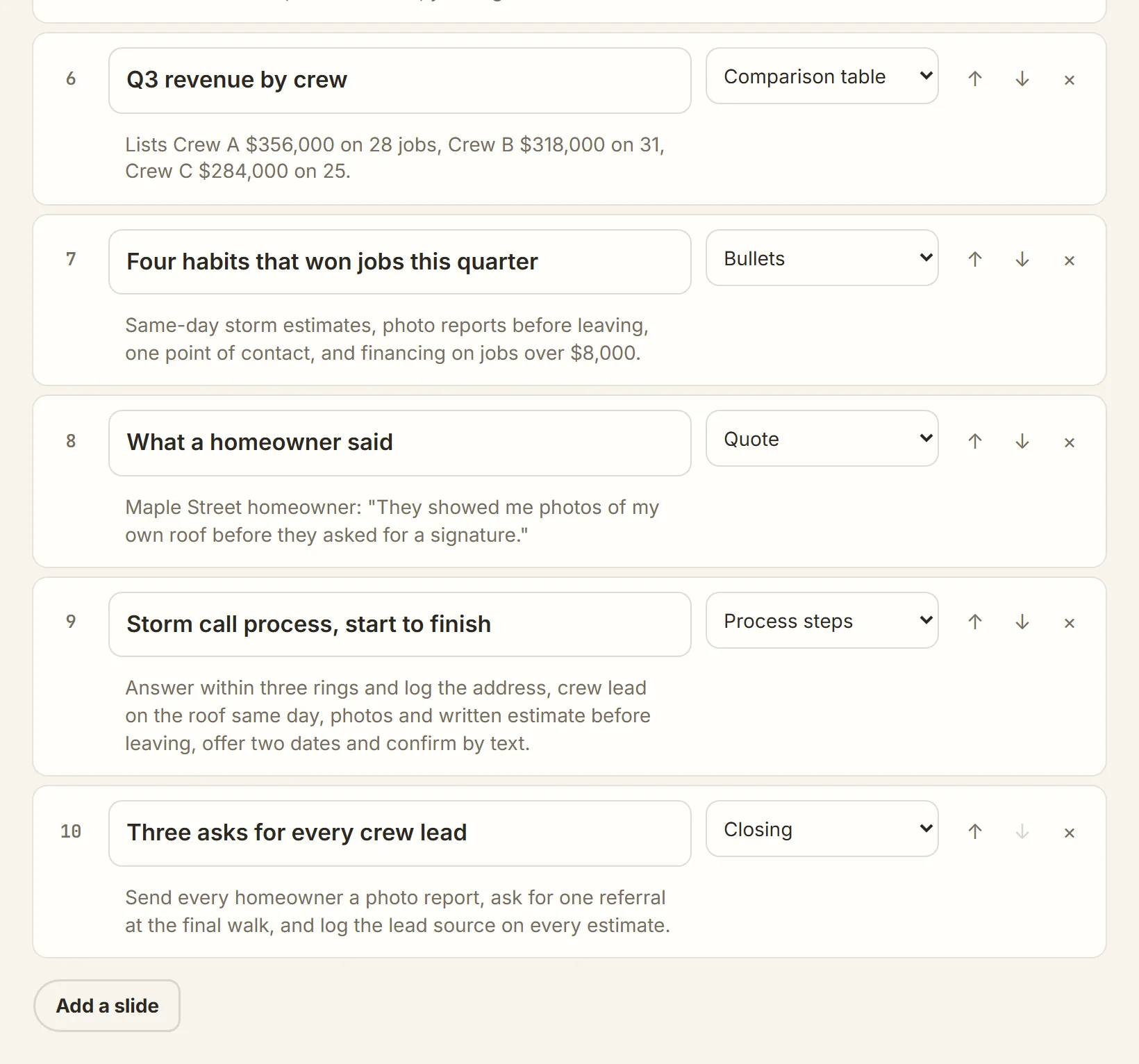
Edit the outline
Move a line with the arrows, delete it, or retype it. Click Build the deck.
-
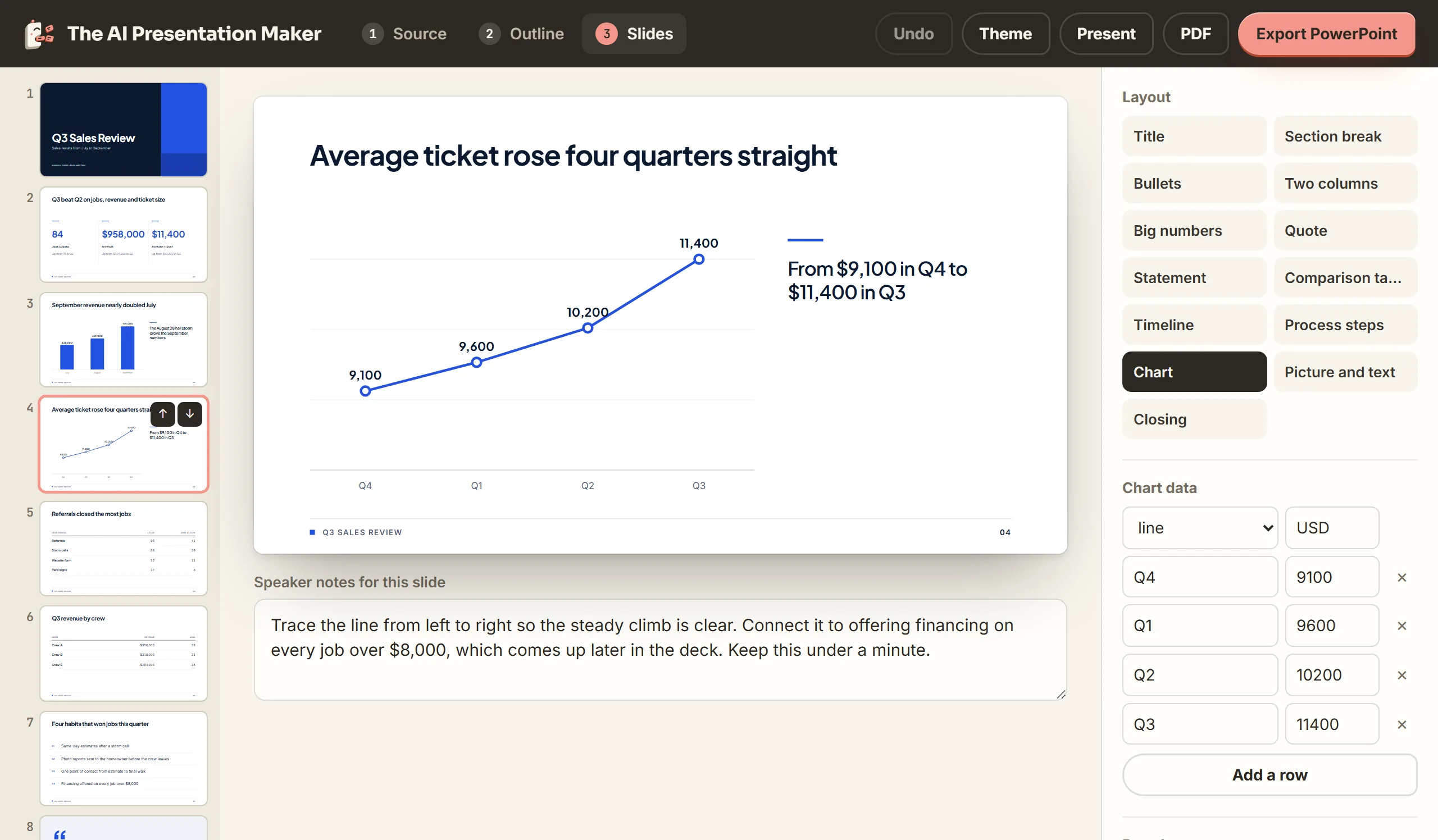
Change slides, then export
Click any text on a slide to change it. Edit a chart's numbers in the Chart data panel. Click Export PowerPoint.
Build slides from your .docx now
Make my deck
Docx to PPT questions: formatting, file types and length
How do I turn a Word document into a PowerPoint presentation?
Choose the .docx on the File tab and approve the outline. Then click Export PowerPoint in the editor.
How do I convert a Word document to PowerPoint slides?
The maker writes new slides from the document's text, one point per slide.
How do I transfer Word to PowerPoint without copy and paste?
Drop the .docx in instead of pasting. The maker turns your text into slide titles, slide text and speaker notes.
What happens to my headings, bold text, tables and pictures?
The maker reads only the words. Headings, bold, bullets and table cells arrive as plain lines, and pictures are left out.
Does it read .doc files?
No. Save the file as .docx in Word, then drop it in.
Can I use a Google Docs file?
Yes. Download it from Google Docs as a .docx file, then drop it in.
How long can my document be?
The limit is 60,000 characters of text. Past that, the Notes tab takes the part you need.
What happens to my file?
The .docx never leaves your computer. Our server passes the text to the AI model and stores none of it.
Is Word's own Export to PowerPoint still available?
Word's help page says the option is being retired. Until then it runs only in Word for the web, in English, and saves to OneDrive.
Start from a PDF, pasted notes or your brand
PDF to presentation
The same flow for a report or paper you received as a PDF.
Notes to slides
Paste text from any app straight into the Notes tab.
Decks in your brand color
Set a brand name for the footer and a logo for the title slide.