
Convert PDF to Slides in One Click, Ready to Edit
Convert PDF to slides with The AI Presentation Maker, an easy to use, one click PDF to presentation maker. Drop in your PDF. Approve the outline. Click once to build the deck.
3 free decks with your email. No card.
Turn your PDF report, proposal or paper into a slideshow
A PDF page has more text than one slide shows. The maker cuts each page down to one point per slide. It writes the title and the text of each slide.
- 5 to 20 slides, the count you set
- Speaker notes under every slide
- The deck saved in your browser, under Your decks
PDF to PPT AI that writes editable slides from your text
Text split into floating boxes or images
Real text in every box
Every word stays editable. Charts and tables are native PowerPoint objects.
Wrong reading order and missing main points
An outline you approve first
The maker writes one line per slide before it makes any slide. The deck comes out in the order you set.
Invented numbers that sound right
No made-up numbers
Every figure, date, name and quote comes from your PDF. A missing number shows as [add figure].
Stock designs with no brand color
Your brand on every slide
Pick one of 8 themes, type your hex code and add your logo. Your color replaces the theme's accent, charts included.
Hours of reformatting after the conversion
Ready to send as PowerPoint or PDF
The .pptx opens in PowerPoint with no add-in. The PDF button saves the same deck as a PDF.
How to convert a PDF to slides in three steps
-
Drop in your PDF
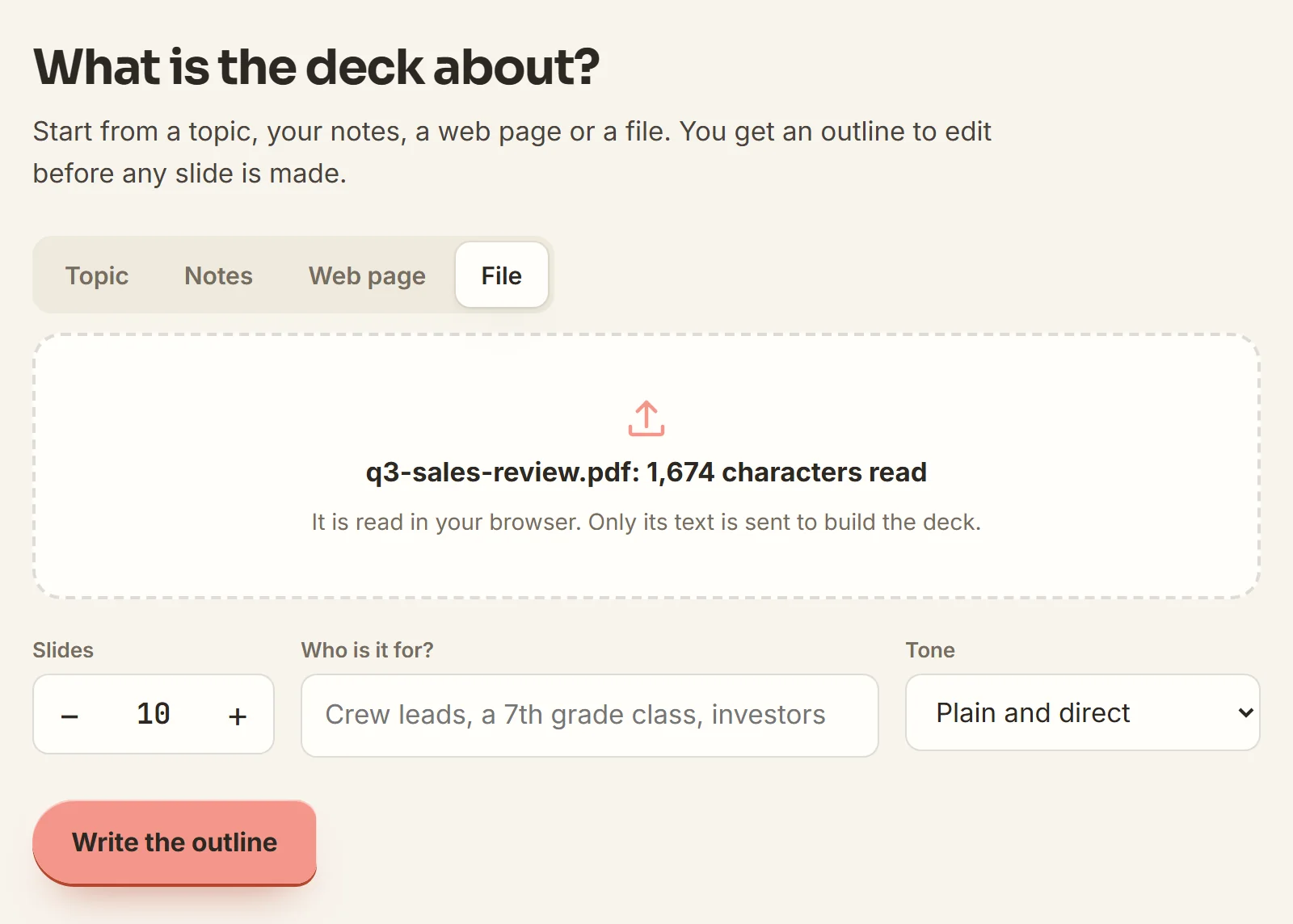
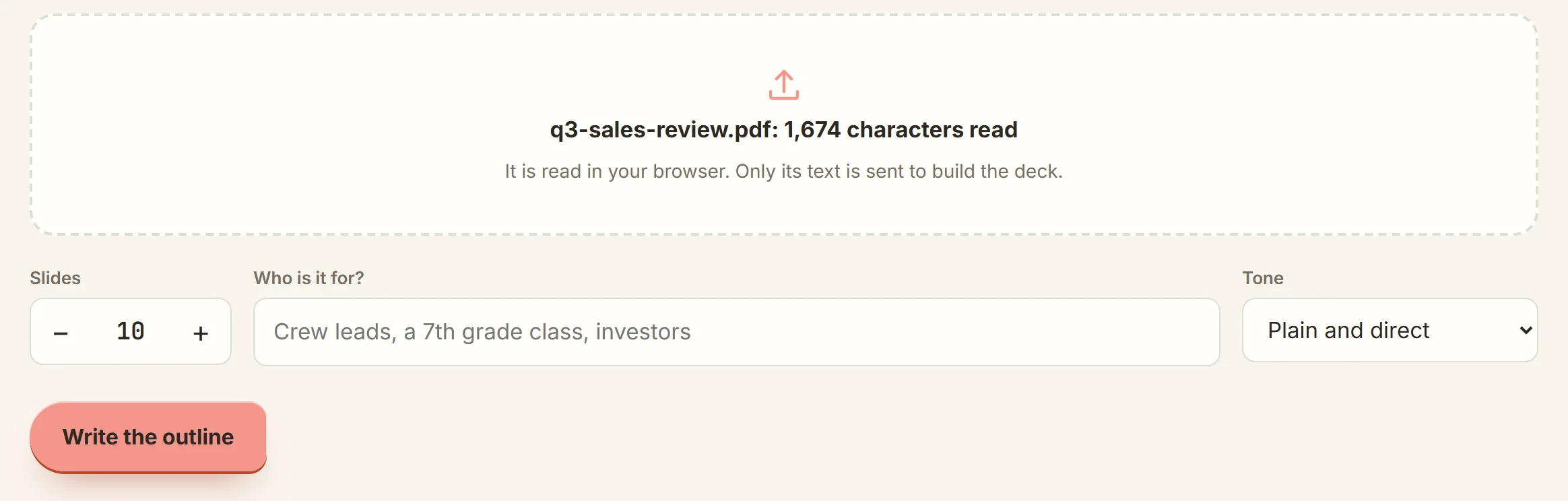
Open the File tab and choose your PDF. Set the slide count. Click Write the outline.
-
Check the outline
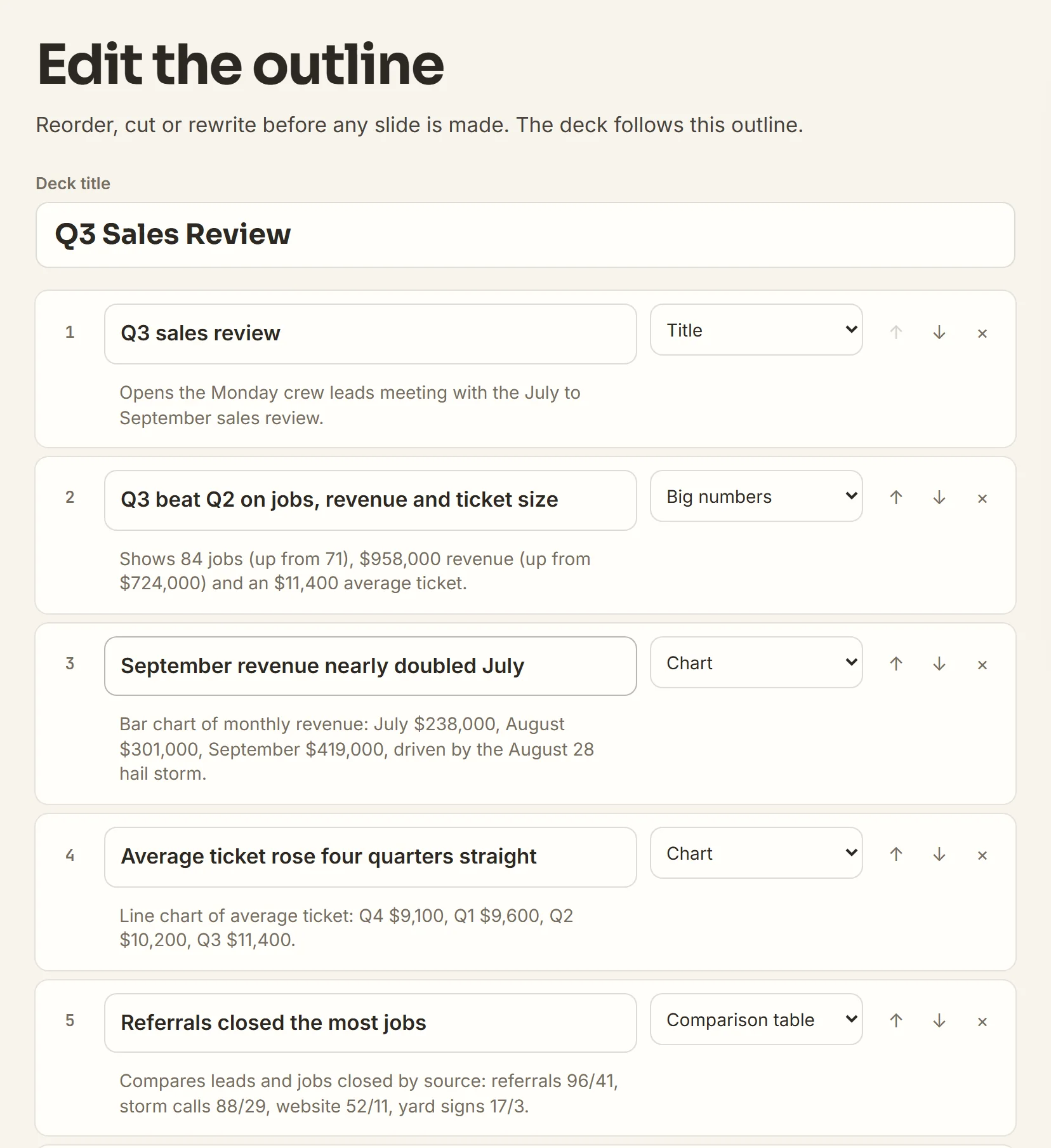
Each line is a slide title. Change any line, then click Build the deck.
-
Edit, then download
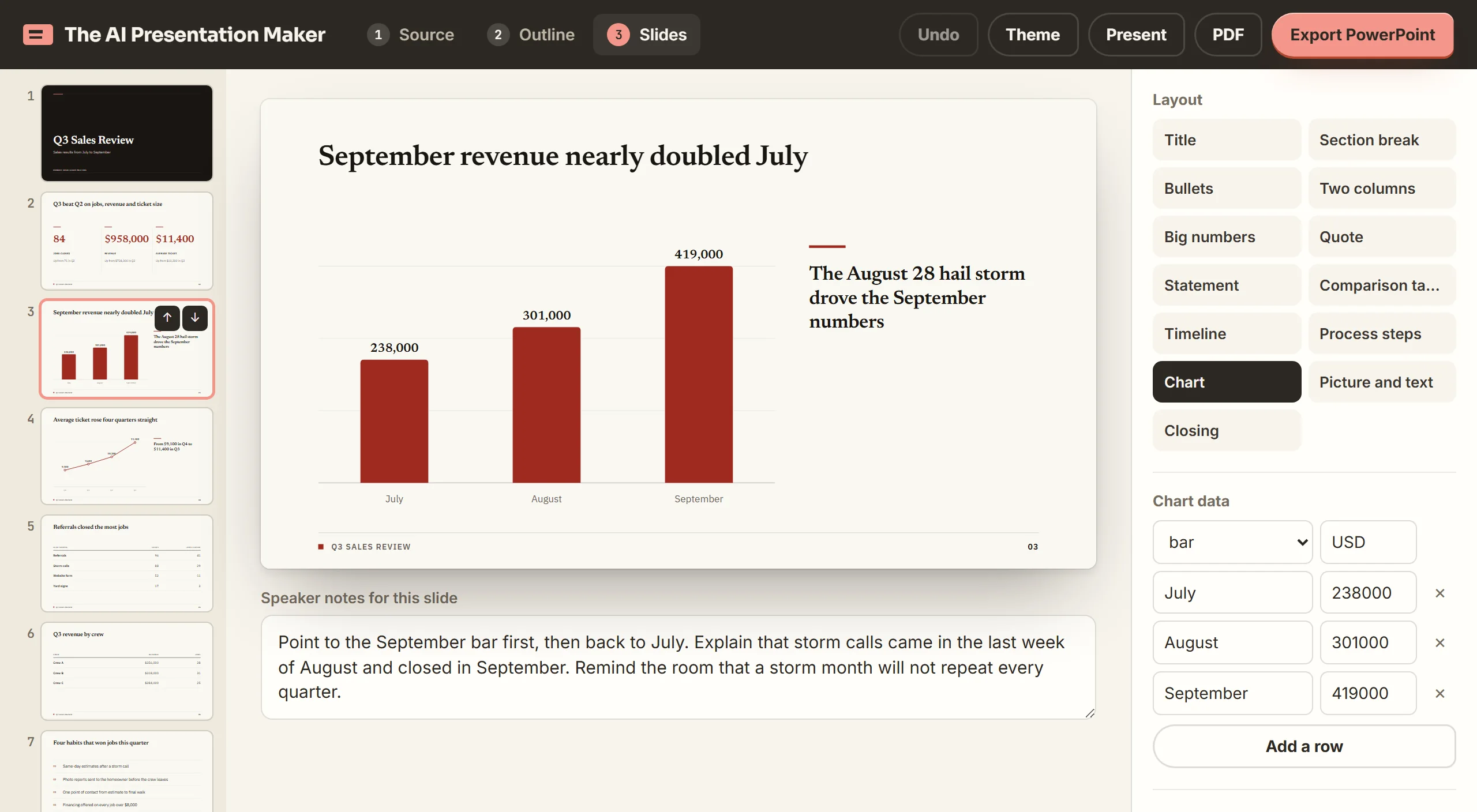
Click any text to change it. Switch a slide's layout, or type an instruction to rewrite one slide. Undo reverses the last change.
Make slides from the PDF you have open
Make my deck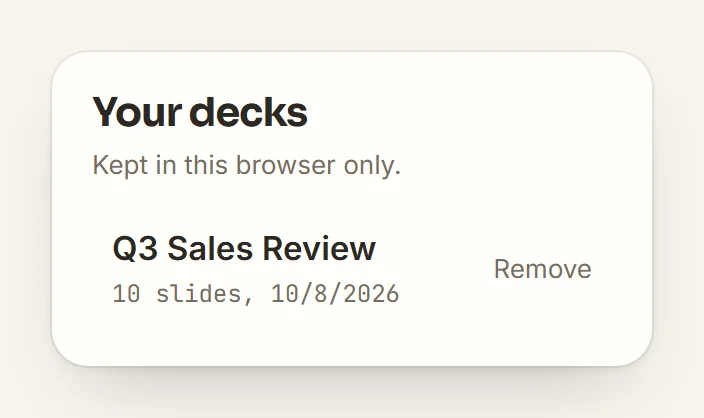
Turning a PDF into a PowerPoint presentation: common questions
How do I turn a PDF into a PowerPoint presentation?
Build the deck from your PDF, then click Export PowerPoint.
Can I convert PDF to PowerPoint for free?
Yes, within the free decks. After those, plans cost $5, $10 or $15 a month.
How is this different from importing a PDF into PowerPoint?
Importing puts each PDF page on a slide unchanged. Use it when the deck must show the pages as printed.
How do I present a PDF like a PowerPoint?
Click Present in the editor. The deck opens full screen in your browser.
Does it work with a scanned PDF?
No, the maker reads only selectable text. Paste a scanned PDF's text under Notes instead.
How long can my PDF be?
Up to 60,000 characters of text, never cut short. For a longer file, paste the part you need under Notes.
Does it make charts from my PDF?
Yes, from at least three figures in the PDF. Change any number in the Chart data panel and the chart redraws.
Does the deck keep the pictures from my PDF?
No. Add your own picture with the Picture and text layout.
What happens to my PDF?
Your browser reads the file. Only its text goes to our server and the AI model. Our server keeps no copy.
Make slides from a Word file, your notes or a research paper
Word document to PowerPoint
The maker reads .docx files the same way it reads a PDF.
Notes to slides
Paste meeting notes or a transcript. The maker builds the deck from that text.
For students
A research paper becomes slides for a class presentation.